
Microserver Updated with Mini Catbot! ✨😻 mew!
AI Summary
View mini Catbot Live: <a href="https://www.annavillarreal.com/" tab="_blank">mew!</a> <hr> Sunday Funday... Updated my server hub which had been snoozing for a bit. The page was screaming AI-created and it was bothering me. I finally had a second to sit with it and make it feel a little bit more ...

View mini Catbot Live: <a href="https://www.annavillarreal.com/" tab="_blank">mew!</a>
<hr>Sunday Funday... Updated my server hub which had been snoozing for a bit. The page was screaming AI-created and it was bothering me. I finally had a second to sit with it and make it feel a little bit more me-like. I get paid $0 for doing stuff like this, and I do it for pure entertainment value.
Sometimes in life, there is a point where you realize it is much faster to drop in a vector graphic, than try to reinvent the whole damn thing with CSS. Don't get me wrong, I love CSS, but I had a plan, and it absolutely had to happen.
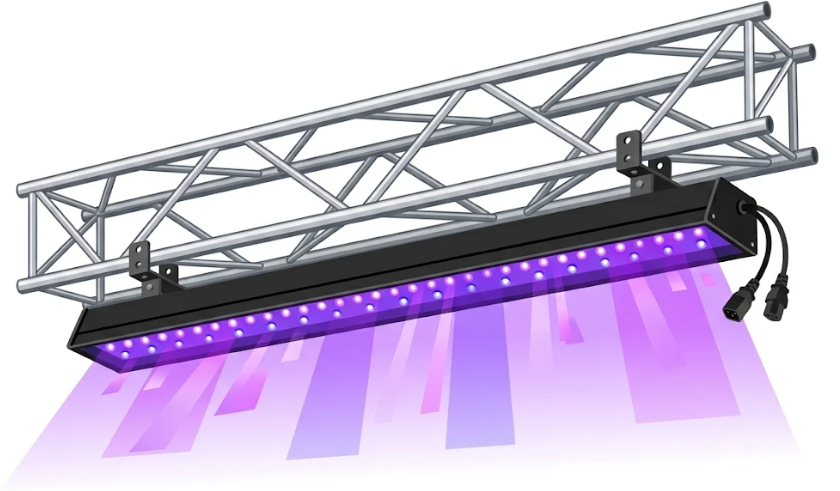
The first part of my plan was to have blacklights casting onto to page content. I soon realized that the best placement for them was horizontally and shining down. But, before I could place my blacklights, I had to have my graphic. Generally, I am not satisfied with clipart and stock. I want my own thing, because apparently I am a digital brat.
So I chose the fast method of finding reference images of the exact blacklight I had in mind and giving them to Gemini to produce a mockup starting point. After A few renditions, I got something workable. I took that version and dropped it in illustrator, where I vectorized it using outlines and tweaked to taste. I nearly ended up with a whole damn schematic of blacklights and scaffolding.
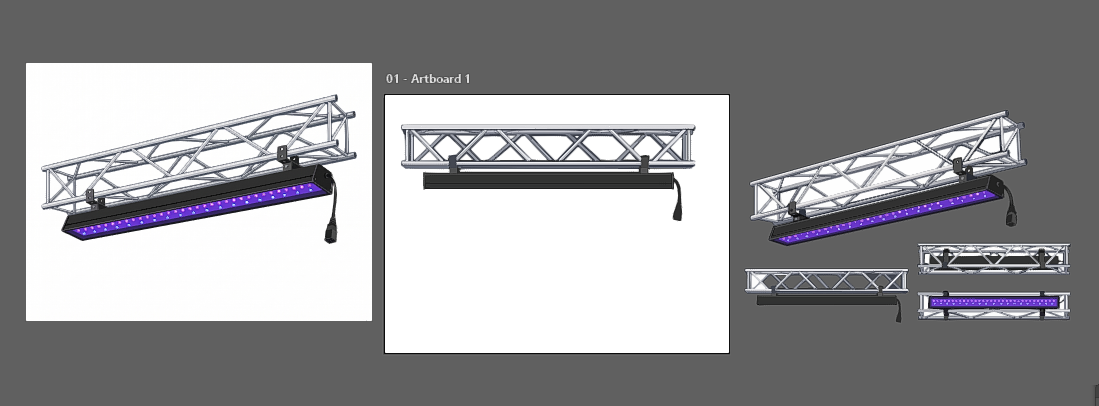
Rabbit holes are so easy to fall into. Anyways, happy with my new creation, I used it as my blacklight on the page, and mounted it snuggly to the ceiling with some scaffolding. Perfect.
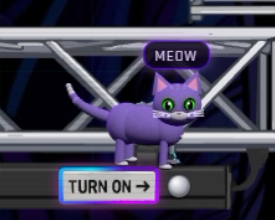
Then it was time to turn the lights on. That was a little bit of css-figuring that involved gradients and placement via percent. This could have also been a rabbit hole, but this is enough for now. 🤣 After I got the lights appearing properly, I realized it would be WAY COOLER to have a button. So I made a fun button that toggles the blacklights on and off, which also alters how the text and borders appear on the page.
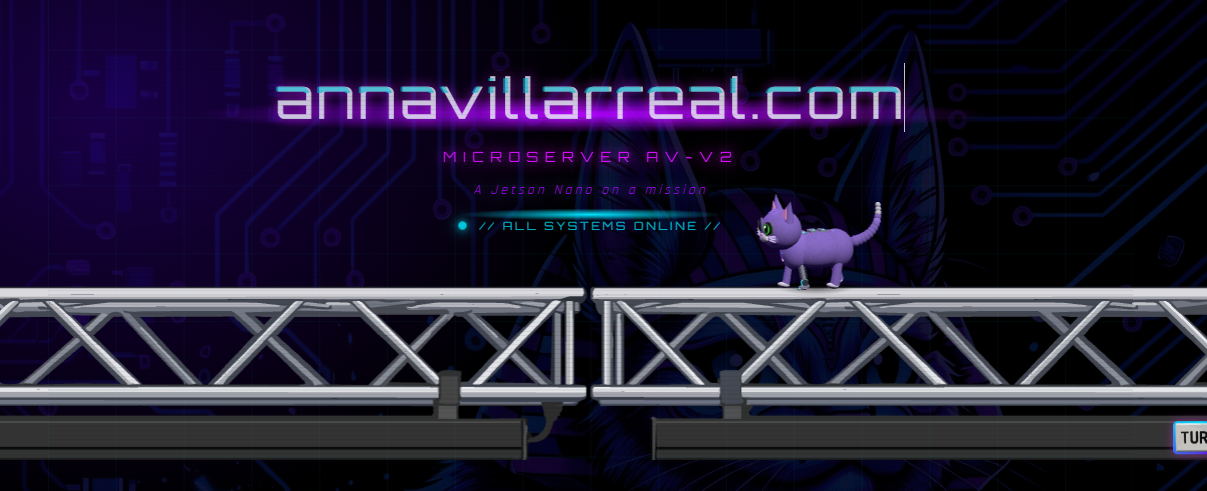
And then I realized... I have a purrfect platform for a mini catbot to walk across! 🤣✨ So, having the full scale catbot at my disposal, I used claude to generate a 'mini catbot'. Mini Catbot will follow your cursor above the scaffolding, bat at the power button, and meow. And of course I updated some of the content which also served as a reminder I have more work to do. No homework or studying today... just 'fuzzacating' LOL
Claude handled the simple animation very well, I cannot take credit for that. But I do absolutely love it. ✨
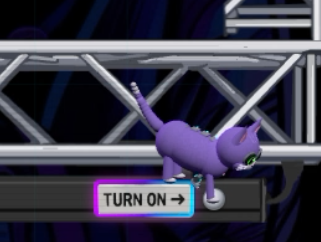
Now my page feels much better! 😹